Custom Events
Measure Anything Your Visitors Do with Custom Events
Track a click, a scroll, a section coming into view, a visit to one product. Then judge your test on it, report it alongside your goal, or use it to decide who enters the test at all.
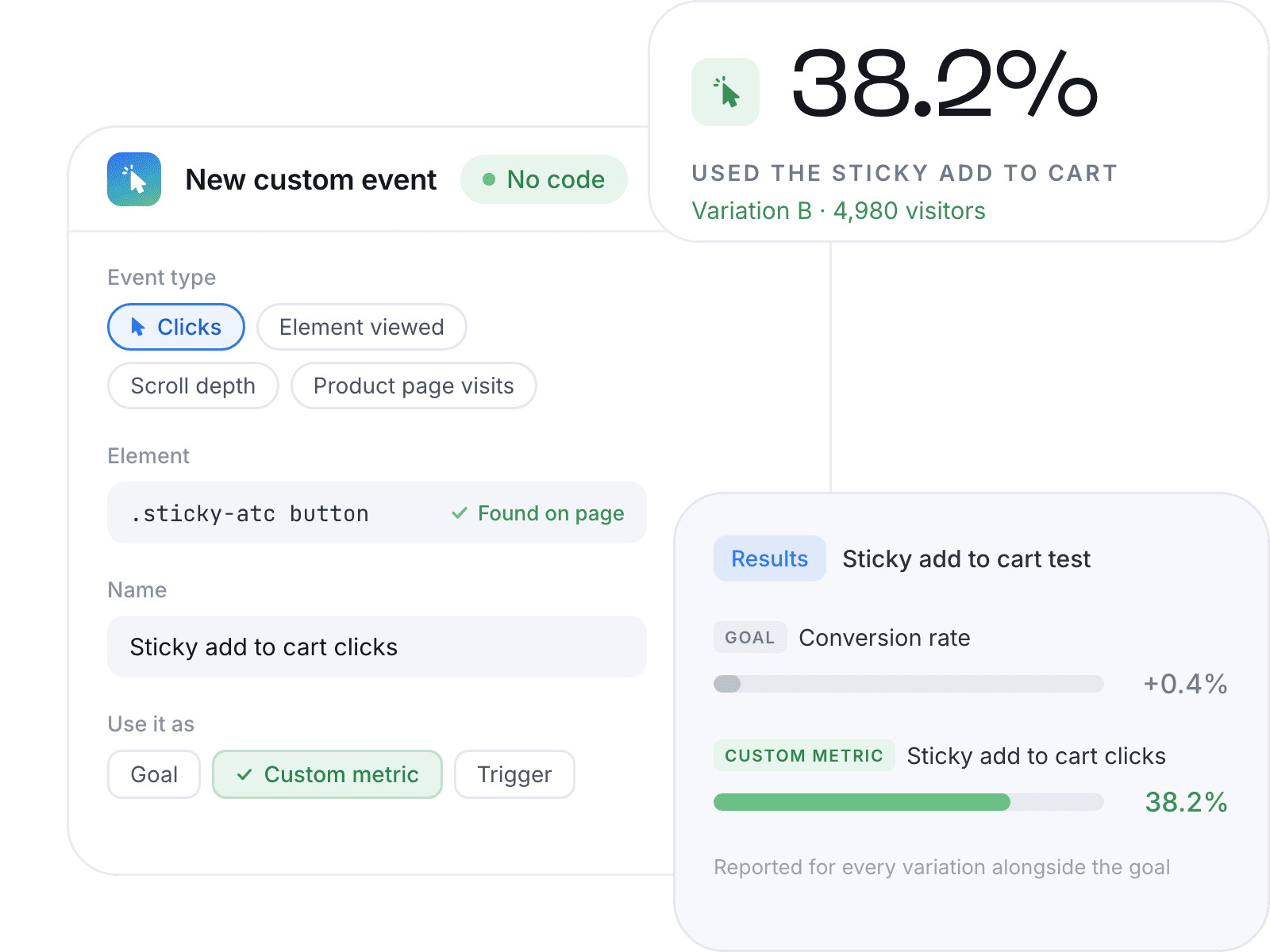
See Whether Anyone Used What You Changed
Built-in metrics tell you whether someone bought. They stay silent on whether anyone touched the thing you changed.
Without Custom Event
Conversion rate barely moves. The test reads flat. You cannot tell whether the idea failed or nobody ever saw it.
With Custom Event
You see how many visitors used the new element. The flat result turns out to be a win, or a dead end you can stop repeating.
Start From What You Want to Know
Pick the question you care about. The event type next to it is the one that answers it.
| You want to know | Use |
|---|---|
| Do visitors reach the product you are promoting, not just any product? | Product page visits |
| Does the new subscribe and save toggle or sticky add to cart get used? | Clicks |
| Do visitors actually see the new reviews or trust badge section? | Element viewed |
| Do visitors read far enough down a long product page? | Scroll depth |
Seven Event Types, Six With No Code
Reach for Custom JavaScript only when the action cannot be expressed as a page visit, click, view or scroll. A form submitting successfully, a variant selection changing, a multi-step finder reaching its last step.
| Event type | Fires when |
|---|---|
| Product page visits | A visitor lands on the product pages you choose |
| Clicks | A visitor clicks an element you choose |
| Element viewed | An element appears on the visitor's screen |
| Custom JavaScript event | Your own code triggers it |
Three Ways to Use One Event
Goal
The metric the experiment is judged on. Decides the winner.
Custom Metric
Reported for every variation alongside the goal. Does not decide the winner.
Trigger
Only visitors who perform the action enter the experiment.
Build the event once and it is stored in Custom Events, available to every experiment you run from then on. The same event can be the trigger in one test and a reported metric in the next.
Enroll Only Those Visitors Who Matter
Change something only part of your traffic ever reaches (a size guide, a bundle block halfway down, a quiz) and most visitors in the test never see it. They still count, diluting the result and stretching the test by weeks.
A trigger enrolls only the visitors who perform the action.
Smaller sample · Cleaner read · Faster answer
| Filters by | |
|---|---|
| Audience targeting | Who a visitor is: device, country, new or returning, the campaign they arrived from |
| Custom trigger | What a visitor does on your store |
Set Up a Custom Event in Minutes
Pick the type.
Point it at the element, URL or scroll point you care about.
Name it.
It saves to Custom Events and every future experiment can use it.
Choose its job.
Goal, custom metric, trigger, or more than one.
Common Questions About Custom Events
Get Started with Custom Events
Six types with no code. Reusable across every experiment. Set up in minutes.